Material Design Tools Every UI/UX Designer Should Know

Material design tools have changed the way designers and developers create modern digital experiences. Introduced by Google, Material Design combines clean layouts, motion, typography, accessibility, and responsive design into one powerful visual system.
Today, Material Design is widely used in apps, websites, dashboards, and modern UI/UX projects because it helps teams build consistent and user-friendly interfaces faster.
Related Read: Button Design Inspiration: Ideas, Types and How to Create Better Website Buttons
What Is Material Design?
Material Design is Google’s design system for creating visually consistent and responsive user interfaces.
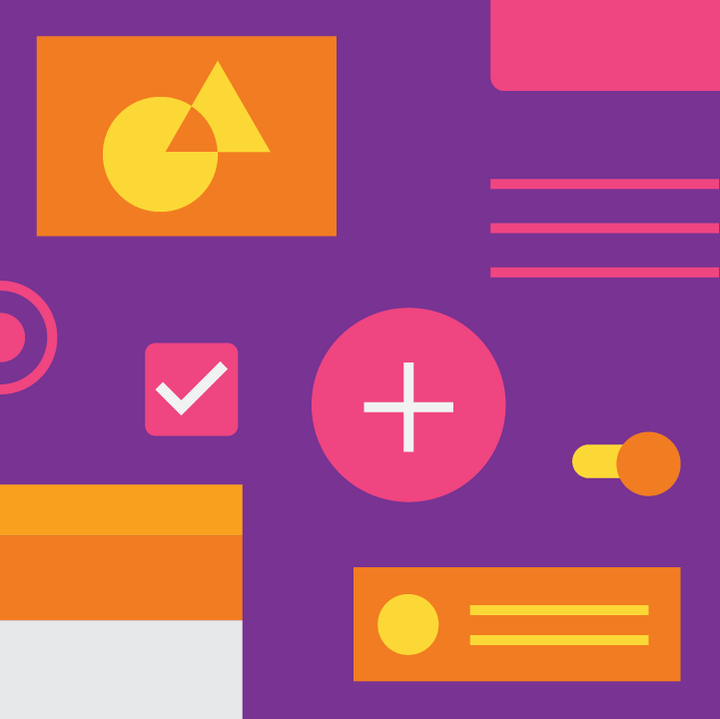
It focuses on:
- Clean layouts
- Responsive grids
- Motion effects
- Accessibility
- Consistent UI components
- Better user experience
Its principles are now used across Android apps, websites, and modern SaaS platforms.
Best Material Design Tools
Color Tool
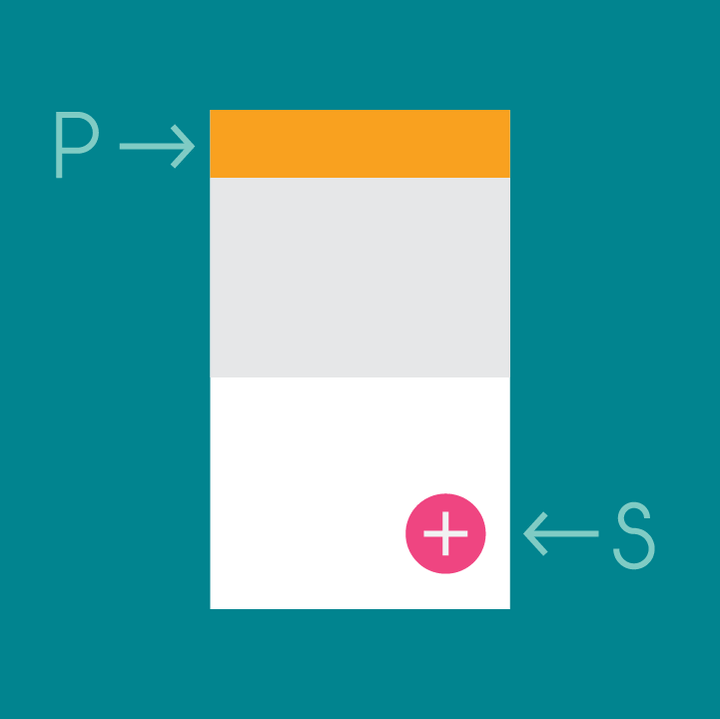
The Material Color Tool helps designers create and test color palettes for user interfaces while checking accessibility and contrast levels.
Material Icons
Google’s Material Icons library includes hundreds of clean and scalable icons for apps, websites, and dashboards.
Material Components
Material Components provide ready-made UI elements like buttons, cards, menus, sliders, and navigation systems that help developers build interfaces faster.
Gallery
Gallery allows teams to organize, review, and collaborate on design projects more efficiently.
Resizer
Resizer helps designers test responsive layouts across different devices and screen sizes.
Why Material Design Still Matters

Material Design remains important because it helps designers and developers create:
- Consistent interfaces
- Responsive layouts
- Accessible experiences
- Faster workflows
- Scalable design systems
Many modern apps and websites still use Material Design principles today.
Final Thoughts
Google’s Material Design tools continue to influence modern UI/UX design by helping teams build cleaner, faster, and more user-friendly digital experiences.
Whether you are designing mobile apps, websites, or dashboards, understanding Material Design can improve both usability and visual consistency.
FAQ
Material Design tools are Google-created resources that help designers and developers build modern and responsive interfaces.
Material Design improves consistency, accessibility, and user experience in modern app and web design.
Yes. Material Design continues to influence modern UI/UX design and responsive digital interfaces.
Don't Miss

Button Design Inspiration, Ideas, Types & How to Make Button for Website
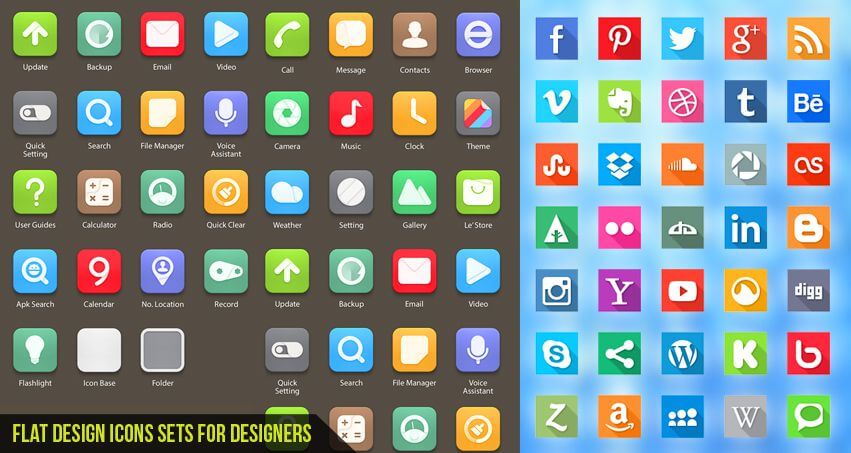
Flat Design Icons Sets for Designers
Top 15 AI Tools for Graphic Designers in 2026 (Free & Paid) – Tested and Reviewed
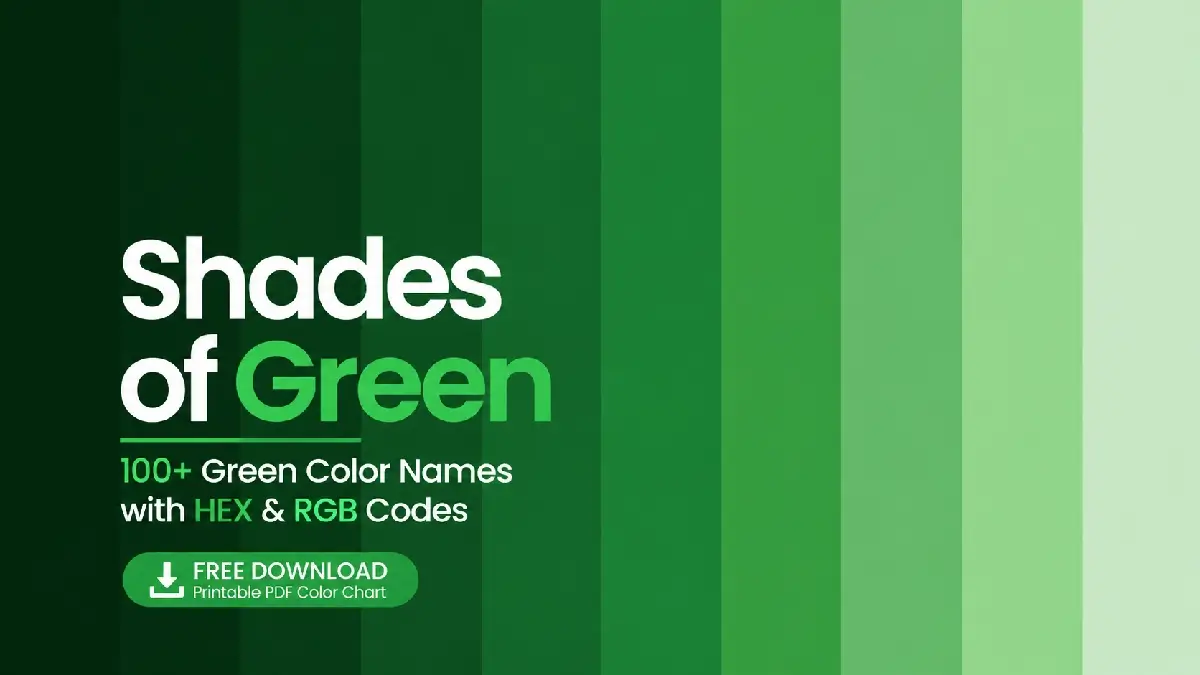
Shades of Green: 100+ Green Color Names with HEX & RGB Codes

How to Design a Logo: Know All About the Logo Design Process