7 Best Apps for Designers to Make Money (Passive Income 2026)

Being a graphic designer in 2026 isn’t cheap. Between Adobe subscriptions, AI tool credits, and hardware upgrades, the overhead costs can be brutal. But what if your phone could pay for your Creative Cloud subscription?
Forget low-paying survey apps. We’ve tested the top mobile platforms specifically built for creatives. Whether you have unused vector files gathering dust or want to freelance on your commute, these 7 apps turn your design skills into cold, hard cash.
Top Pick: The ‘Freelance Anywhere’ Ecosystem
For designers who want serious clients, not just pocket change, Fiverr remains the undefeated champion in 2026.
Why It Wins
The Fiverr mobile app has evolved. It’s no longer just for $5 logos. In 2026, it’s a full business management suite. You can respond to client briefs, deliver files, and manage orders directly from your phone.
- Best For: Logo design, social media kits, and AI art editing.
- Earning Potential: Top sellers easily clear $2,000 – $5,000/month.
- Action: Download the app and set up a “Gig” for a specific micro-service (e.g., “I will vectorize your sketch”).
Passive Income: Sell Your Assets
If you hate dealing with clients, Asset Marketplaces are your best friend. Upload once, sell forever.
1. Fiverr (The Freelance King)
For designers who want active income, Fiverr remains the undefeated champion in 2026. It has evolved from “$5 logos” to a full business suite.
- Why for Designers: You don’t need to hunt for clients; they come to you. The mobile app lets you reply to briefs and manage orders on the go.
- Best Gig: “I will vectorize your low-quality logo.” (High demand, low effort).
- Potential: Top rated sellers easily clear $2,000+ monthly.
2. Upwork for Freelancers
While Fiverr is about “Packages,” Upwork is about “Relationships.”
- The Difference: Here you bid on long-term projects like “UI Design for App” or “Book Illustration.”
- Mobile Feature: The app is great for “Instant Match” notifications. Speed matters—being the first to apply often wins the job.
- Pro Tip: Use the app to filter jobs by “US Only” for higher budgets.
3. Shutterstock Contributor
Don’t let your unused photos or vector patterns sit on your hard drive. The Shutterstock Contributor app lets you upload content directly from your device.
- The Strategy: Upload “Generic Corporate Vectors” or “AI-Generated Backgrounds” (yes, they accept disclosed AI art now).
- 2026 Update: Their computer vision now auto-tags your images, saving you hours of typing keywords.
- Royalties: Earn 15-40% on every download.
4 The ‘High Ticket’ Bonus: Adobe Stock
While they don’t have a dedicated app in the store, the Adobe Stock Contributor Portal works perfectly on mobile browsers (Chrome/Safari).
Earnings: Because it’s built into every Photoshop user’s software, the volume of buyers is massive. One good vector background here can pay your internet bill for the year.
Why it’s Essential: It pays higher royalties than almost anyone else (up to 33%).
The Ecosystem: If you use Lightroom Mobile, you can upload photos directly to Adobe Stock without even opening a browser.

Adobe Stock (via Web)
While the app is for viewing, uploading via mobile web to Adobe Stock integrates directly with Creative Cloud apps.
5. Creative Market
While they don’t have a dedicated “selling app,” their mobile-responsive site is perfect for tracking sales. This is the “Premium” tier.
- What to Sell: Fonts, Procreate Brushes, and Social Media Templates.
- Why it pays more: You aren’t selling “stock”; you are selling “tools” to other designers. A single font family can sell for $30+.
The ‘Print on Demand’ Giants
Turn your art into physical products without buying a single printer.
6. Redbubble
The Redbubble app is fantastic for checking trends. See what’s “Trending Now” on the home screen, design a quick variation on your iPad, and upload it via the mobile web portal.
- Killer Item: Stickers. They are cheap, people buy them in bundles, and the margins are high.
- Target Audience: Gen Z, Pop Culture fans, and Developers (laptop stickers).
The New Wave: Template Economy
7. Canva Creators
This is the “Gold Rush” of 2026. The Canva app allows you to design templates that millions of non-designers use.
- How it works: You apply to the Creator Program. Once accepted, you publish templates.
- The Paycheck: You get paid every time a Pro user uses your template. Some top creators are earning $10k+/month purely from royalties.
- Mobile Advantage: You can test your templates on the Canva mobile app to ensure they are “thumb-friendly” for users.
- Requirement: You need a portfolio to get accepted.
- Niche Tip: Focus on “Instagram Reels” and “TikTok” templates—these are in highest demand.
Conclusion: Which One Should You Choose?
- Need Cash Now? Go to Fiverr. Active work pays faster.
- Want Long-Term Wealth? Start uploading to Shutterstock and Canva Creators. It takes time to build, but it pays you while you sleep.
Don't Miss
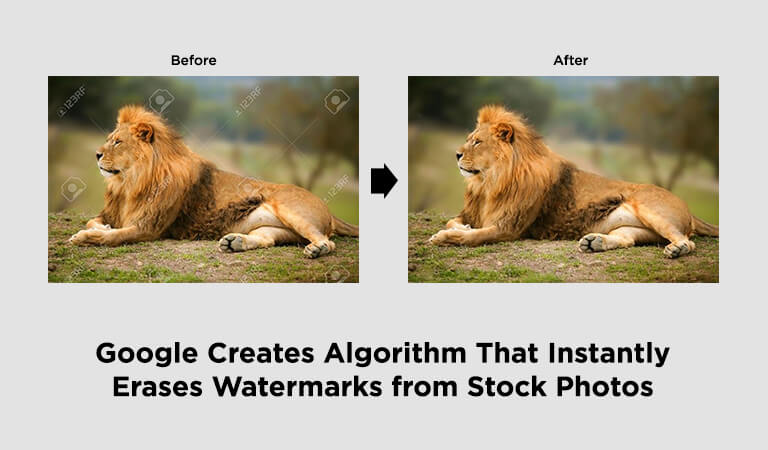
Google Creates Algorithm That Instantly Erases Watermarks from Stock Photos
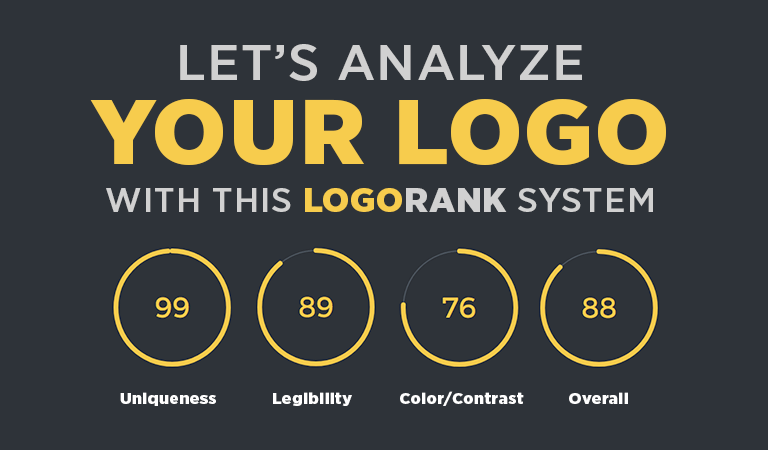
Logo Rank System: An AI Which Will Analyze Your Logo

Now Draw Anything Using Free Google’s Fast Auto Draw Tool
Simplify Your Graphic Design with These 10 Free Tools
Who Needs a Job? Your Hobbies will Make Money for You